
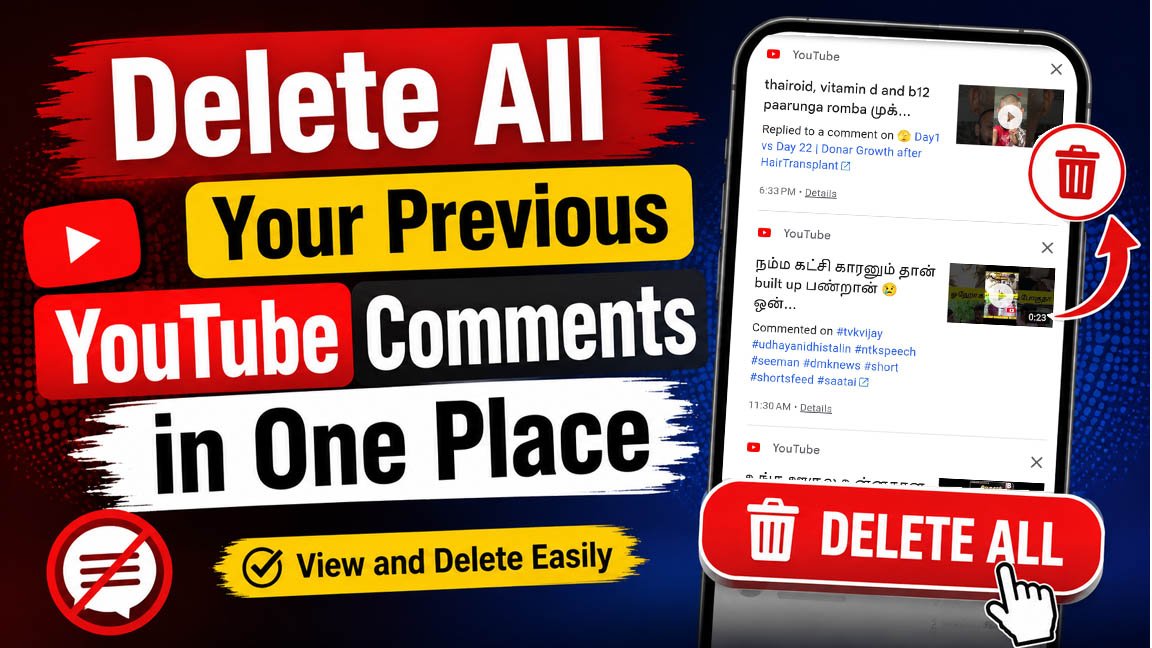
In 2026, almost everyone has a mobile phone, and most of them are smartphones. One of the main reasons for the growing popularity of smartphones is the increasing use of social media platforms such as YouTube and Instagram.
The Evolution of YouTube:
Among the growth of social media platforms, the growth of YouTube has been particularly significant. Although YouTube was once mainly a platform that provided useful and informative content, it has now evolved in many ways. Today, it can be useful and informative for some people, while for many others, it can also become a source of unproductive content and a way of wasting time.
How People Share Their Thoughts on YouTube:
Especially in Tamil Nadu, YouTube’s comment section has become a place where people openly express and share their opinions with one another. In many cases, we may post comments based on our emotions or in the heat of the moment. However, after a few days, we may realize that the comment we posted on a particular video was unnecessary or something we no longer agree with.
Reconsidering Our Past Comments:
However, as time passes, we may even forget which video we commented on. This is a situation that many people may have experienced at some point. Wouldn’t it be helpful if we could view all the comments we have posted on different videos in one place and delete them easily whenever we want?
It is actually very easy to view all of our comments in one place and delete them whenever needed. For this purpose, Google provides us with several useful options and methods.
This is one of those methods:
To view and delete the comments you have posted on YouTube, click the link below or go to your Google Account’s Activity page and delete the comments from there.
https://myactivity.google.com/page?hl=en&utm_medium=web&utm_source=youtube&page=youtube_comments
Another Methoad:
- Open the YouTube app on your smartphone.
- Tap your Profile icon at the top of the screen.
- Select “Your data in YouTube.”
- Scroll down and go to the “Your YouTube Dashboard” section.
- Tap “Comments” and then select “View Comments.”
- You will now see a list of the comments you have posted on YouTube, also known as your Comment History.
- Now delete or modify your comments
Although this may seem like a small feature, we are happy to know that it can be useful to many people. If you have any questions or doubts regarding this, please feel free to let us know in the comments section below.
KNOW FEW PERSONAL LOAN DETAILS
GooglePay Personal Loan Complete Informations

Leave a Reply